.png)
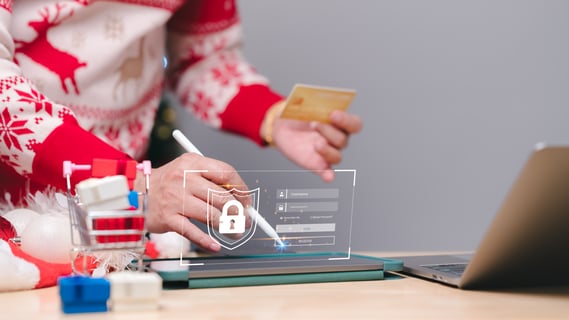 The holidays are here, many larger companies have gone on company freeze, while many smaller businesses are beginning to close their devices to focus on family instead of work. During this time, it’s essential to ensure all safeguards are set up, that way cybercriminals don’t find an opportunity to cause havoc while you’re away. As your expert IT cybersecurity ally, we will discuss the steps you and your business should initiate in terms of updates, network safety, and phishing attempts before you clock out of the office.
Essential Network Updates
Are you a few updates behind on your devices? It happens to the best of us, especially managing tasks and deadlines. Before the holidays it is a great time for updating your software for the most up-to-date security patches and increasing your overall network speed.
When updating your devices before the holidays, ensure the devices are more than just desktops, and laptops. This also includes:
- Operating systems
- Computer applications like Microsoft
- Firmware
- Security patches
- Backups
- Cloud Storage
In the scenario that your team follows all safety protocols, but there is a concern of ransomware, having your backups and storage reliably recovered in midst of updates will provide your team with an advantage. The advantage of being able to recover essential data after an attempt and preventing any financial strain on your business.
After completing the updates as needed and planning to leave devices behind, it’s essential to log out, lock or fully shut down systems before leaving. These additional steps help prevent any unauthorized access and minimize the chances of malware infiltrating unattended systems.

Lock Up Physical Security
While digital defenses are essential to keeping private information safe, physical access is just as important as safeguarding. If your business uses servers, network equipment, and workstations, these areas of productivity should be restricted. Other tools like access cards, alarm systems, surveillance and locks should all be checked to ensure they are functioning correctly. This will allow peace of mind you and your team did everything before the holidays. If you want to ensure productivity is picked up where it is left off, create a post-holiday security checklist. This checklist can have the intention to monitor for any unauthorized changes that may have occurred within the last week, whether that be slower reconnecting to networks, any chances in antivirus statuses, and any other changes you witness.
We have discussed the steps you and your staff can take to safeguard your devices for the holidays; we also want to provide you with some additional tips for your last-minute purchases along with travel security tips.
Practice Mobile Security While Traveling
As much as updating your devices in office is key to success, we want to ensure that success follows you while you are traveling. Traveling during the holidays is as packed as ever, and cybercriminals utilize public Wi-Fi, charging stations, and even how much you share to your social media account to target you. While feeling like you are being targeted for cybersecurity reasons to extract sensitive information and data, there are ways to combat cybercriminals from accessing your devices while afloat.
- Airports, hotels, cafés, and shopping centers offer free public Wi-Fi, but these networks are rarely secure. Avoid logging into shopping accounts, banking apps, or work systems while connected to public Wi-Fi. If access is unavoidable, use a trusted virtual private network (VPN) to encrypt your connection.
- Public charging stations, such as those in airports, can pose security risks. Use your own charger and power outlet or a USB data-blocking adapter to prevent unauthorized data transfer. Avoid plugging devices into unknown or untrusted USB ports.
- Posting travel plans or real-time location updates publicly can make you a target for both digital and physical threats.
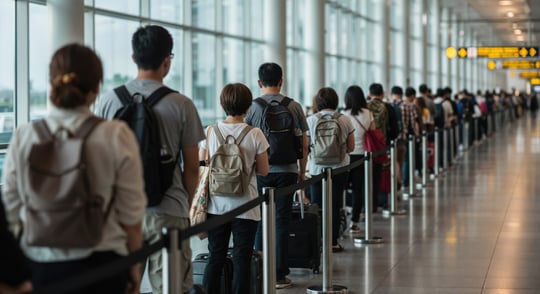
Cybercriminals use social media to craft convincing phishing attacks or identify when individuals are away from home. Keep a hotspot ready when waiting for your ride and share travel photos and updates after returning instead of during the trip.
Shop Where you Trust, Trust Where You Shop
With new shops appearing on the regular between Instagram Facebook and other social media platforms, cybercriminals have made billions of dollars off these fraudulent shops. Unfortunately, social media platforms recognize how much fake ads and websites bring in so it is up to the consumer to be vigilant in brand new ecommerce shops. These shops tend to follow a similar pattern in similar template, releasing months before the holidays with catered products and services at too good to be true prices.
Here’s how you can keep your browser and wallet safe when finishing up your gift shopping:
- Use secure Wi-Fi when shopping. As much as free Wi-Fi sounds good on paper, it’s good practice to use your phone’s hotspot or a VPN instead.
-Ensure the site you are purchasing gifts from has SSL protection. SSL stands for Secure Sockets Layer Protection that encrypts data between a user’s browser and a website. This prevents hackers stealing your private information and credit card details. Look for ‘https’ in its URL to ensure the site is secure. Or click on the icon to the left of the URL search bar - to check if there is a little lock that says "Connection is secure"! - When purchasing on reliable websites, an extra layer of safety is use the credit card instead of debit card when proceeding to a transaction. Another alternative is PayPal, Google Pay, and Apple Pay. These payment methods offer options to dispute payments.
- You may be spending quite a bit on friends, family and loved ones, make sure you are keeping an eye on your accounts in the case there may be additional or unauthorized charges made.
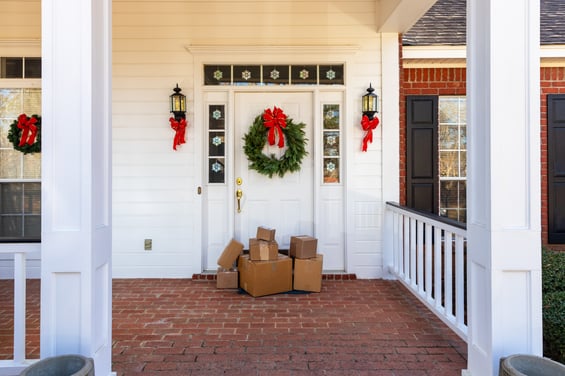
While holiday shopping is expensive, holidays are also a time to give back to others in your community. Scammers know this and will create charities that look good on paper, but questionable to where the raised funds go. - If you plan on giving to a charity out of your own generosity - take the time to do your research to verify before proceeding.
- Ignore unsolicited requests asking for money, you should be the one who has a say to where you would like to donate to.
- Always double check the website in case the name of charity or the URL has hidden characters within while mimicking a legitimate website.
Bottom Line
The holiday season brings excitement, travel, and increased online activity, but it also demands heightened awareness around security.
By taking proactive steps to safeguard office devices, practicing safe online shopping habits, and staying vigilant while traveling, individuals and organizations can significantly reduce their risk of cyber incidents. Thoughtful preparation before the holidays and mindful behavior throughout the season ensure a smooth return to work, protect sensitive data, and allow everyone to enjoy the holidays with greater peace of mind.