Technology Advisor Blog


Windows 11 May 2026 Patch Tuesday: What Small Businesses Need to Know

Posted by Linda Hanson on 5/13/26 12:11 PM

Microsoft released its May 2026 Patch Tuesday security yesterday. Update KB5089549 is now rolling out to all Windows 11 devices. While this update isn't the flashiest release of the year, it includes improvements that small business owners and their teams will actually notice day to day, along with a critical security deadline that cannot be ignored.

Read More


Tags: Security, Patches, Microsoft, Microsoft Updates, Microsoft Security Patches, Patch Policy, Computer Tip, Security Awareness, Microsoft Windows 11 Update, New Features


Shutdown vs. Restart: What’s the Difference and Why It Matters for Your Business

Posted by Sarah Carroll on 1/23/26 12:38 PM

Have you been in the middle of a significant deadline with complete focus, then all a sudden your desktop shuts down abruptly causing your focus and productivity to cease? It happens to the best of us.

Read More

Tags: Slow Computer, computer security, cybersecurity, Computer Tip, Computer Shutdown, Computer Restart


15 Window Shortcuts to Boost Your Daily Productivity

Posted by Ann Westerheim on 4/15/25 5:42 PM

Keyboard Shortcuts – These are a few of my favorite things!

Keyboard shortcuts are one of the simplest ways to boost your productivity - yet they're often overlooked. These quick key combinations help you navigate, format, and multitask faster without ever taking your hands off the keyboard. Whether you're writing emails, managing files, or working in Microsoft 365, learning a few key shortcuts can save minutes every day and hours over time. It’s a small change with a big payoff!

Read More

Tags: small business technology advice., cybersecurity, Computer Tip


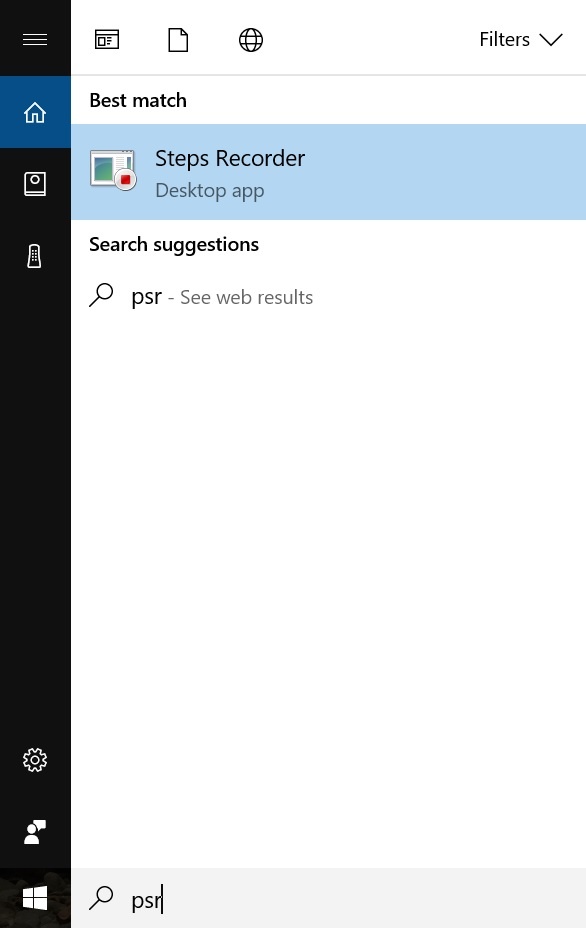
Tech Tip: How to easily document computer steps

Posted by Ann Westerheim on 11/1/17 10:51 AM

Here's an awesome Microsoft Windows feature you probably didn't know about.  The Windows Steps Recorder can be used to record your screens and document the steps taken for a specific computer task. With this feature, you can create how-to documents or document problems for you or someone else to refer to later.  If you're trying to help someone solve a computer problem, this is also an easy way for them to show you what they're having trouble with - identifying the exact steps.  What a great tool!

Read More

Tags: Computer Tip, Windows Steps Recorder


Subscribe by Email


    Browse by Tag

    See all tags...


    Posts by Month

    See all months...


    Connect With Us


    Older Blog Posts

    For older Ekaru blog posts, go to ekaru.blogspot.com.