.png)
 Did you know you can create great looking documents using "templates" in Microsoft Word 2010?
Open Word, Select "File", "New", Select one of the many templates, then hit "create" to start working on your document. You can use the blank, or customize the design. In a few minutes, you'll have a great looking document, without needing to know anything about graphic design.
Some of the many sample templates include:
- Agendas
- Business Cards
- Calendars
- Certificates
- Invitations
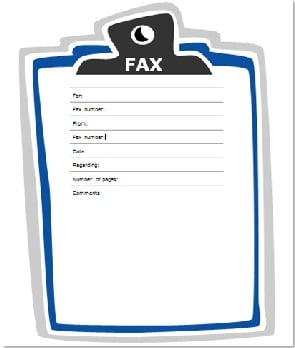
- Fax Cover Sheets
- Invoices
- Quotes
- Newsletters
- Receipts
- Timesheets
- and more...
Next time you have a few spare moments, look through the samples and you'll surely find some options to spruce up documents for your small business.